
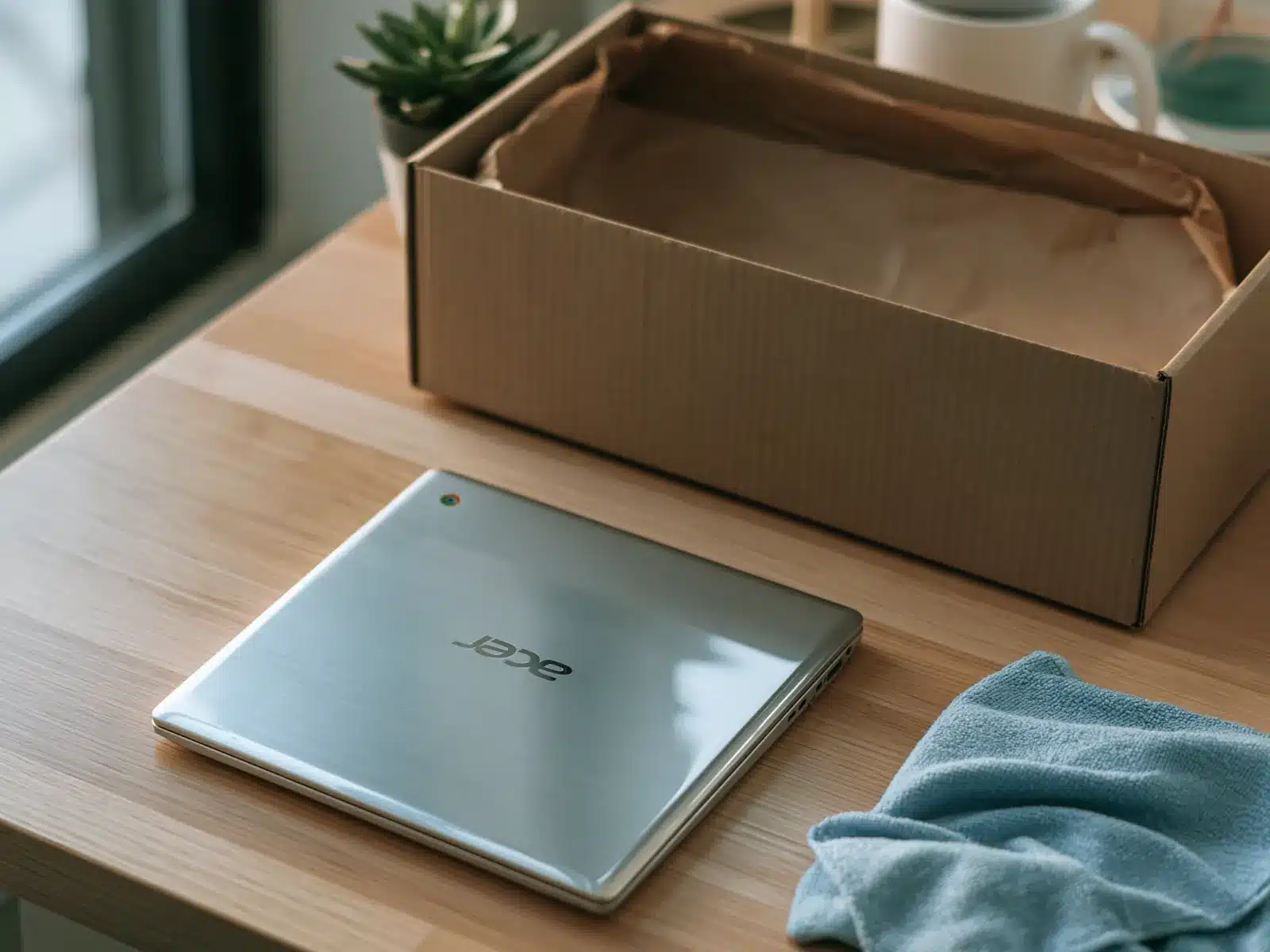
Which Chromebooks we consider
We review every donation case by case. Tell us what you have on the form, add a photo or two, and our team will let you know.
Charger
Helpful if you have it, not required.
School enrolled?
It must be released by the school first.
Older models
Tell us the model. We check update dates.
Chromebook brands we see often
Acer, ASUS, HP, Lenovo, Dell, Samsung, Google Pixelbook, CTL, Framework, LG, Toshiba, education rugged models and Chromebook tablets, and many more.
Not on the list? It is here to help you find your Chromebook, not to limit what we consider. We review every make and model, listed or not, including small builders and brands that are no longer around. What matters is condition, never the name on the lid, so enter yours on the form even if you don't see it here.
What to know about donating a Chromebook
Why Chromebooks work so well for students
Chromebooks start quickly, update themselves and keep files in the cloud. That makes them easy to hand to a new student or family without much setup.
Schools replacing a fleet often have dozens or hundreds of Chromebooks that still have life left. We review single Chromebooks and full carts.
Enrollment and update dates
Two things decide whether a Chromebook can be reused. It must not be enrolled by a school or company, and it should still receive updates or be useful for parts. Every Chromebook has an Auto Update Expiration date listed in Settings, then About ChromeOS.
If a Chromebook is enrolled, the organization that owns it must deprovision it in the Google Admin console. A Powerwash alone does not release it.
Your data
Most Chromebook data lives in the Google account and leaves with a Powerwash. We wipe every device with Acronis before reuse. Schools can request a certificate of data destruction.
Value and your tax receipt
If you itemize, you may be able to deduct the fair market value of your Chromebook, which is what the same model in similar condition sells for used today. You determine the value; we can't appraise it. Giving Center sends a written acknowledgment describing what you donated.
Starting with the 2026 tax year, itemizers can deduct only giving above 0.5% of adjusted gross income, and items you deduct at more than $500 need Form 8283. Our tax guide covers the details. Ask your tax preparer what applies to you.
Condition: what we can use
Every donation is reviewed case by case. We can't promise acceptance before review.
Before you ship: release it and Powerwash
We wipe every device with Acronis before it's reused. A Chromebook still enrolled by a school or company can't be set up by anyone else.
-
1
Check enrollment
If a school or employer manages it, ask them to deprovision it first.
-
2
Back up
Files in the Downloads folder aren't synced. Copy anything you need to Google Drive.
-
3
Powerwash
Settings, then Reset settings, then Powerwash. Or press Ctrl, Alt, Shift and R at the sign-in screen.
-
4
Check the welcome screen
When it shows the welcome screen, it's ready.
Done? Check before you box it
- Not enrolled by a school or company
- Downloads folder backed up
- Powerwashed
- Shows the welcome screen
Packing and shipping your Chromebook
Please send the form first and wait for our reply. We'll send the shipping address and instructions once we've reviewed it. We can only take items we've approved, so please don't ship anything before you hear from us.
Wait for our OK. We send the address and instructions after we review your form.
Pack it well. Pad every side of a sturdy box. Several Chromebooks can share a box if each is wrapped on its own.
Label what's inside with a note listing each item, so we can match it to your form.
Ship with tracking. Donors ship at their own cost. Shipping is sometimes reimbursed; ask when we review your donation.

Where your Chromebook goes
Donated Chromebooks often go to students and schools, since they are simple, light and easy to manage.
Where your computer goesA note on taxes
If you itemize, you may be able to deduct the fair market value of your Chromebook: what a willing buyer would pay for it as it is today. You decide the value, and your tax preparer can tell you what applies to you. We don't appraise items and can't promise a deduction.
Chromebook donation questions
Only after the school releases it. Contact their IT team and ask them to deprovision the device.
It depends on its update date. Tell us the model and we'll let you know.
It helps, but it isn't required.
Yes. See school and bulk donations. Bulk pickup is available in every state.
Possibly, for parts or limited use. Tell us the model and we'll review it.
Only if the school gave it to you to keep and has released it from management. Otherwise, return it to the school.
Yes, case by case.
Tell us about your Chromebook
Fill out the form and our team will review it. Every donation is considered case by case.