
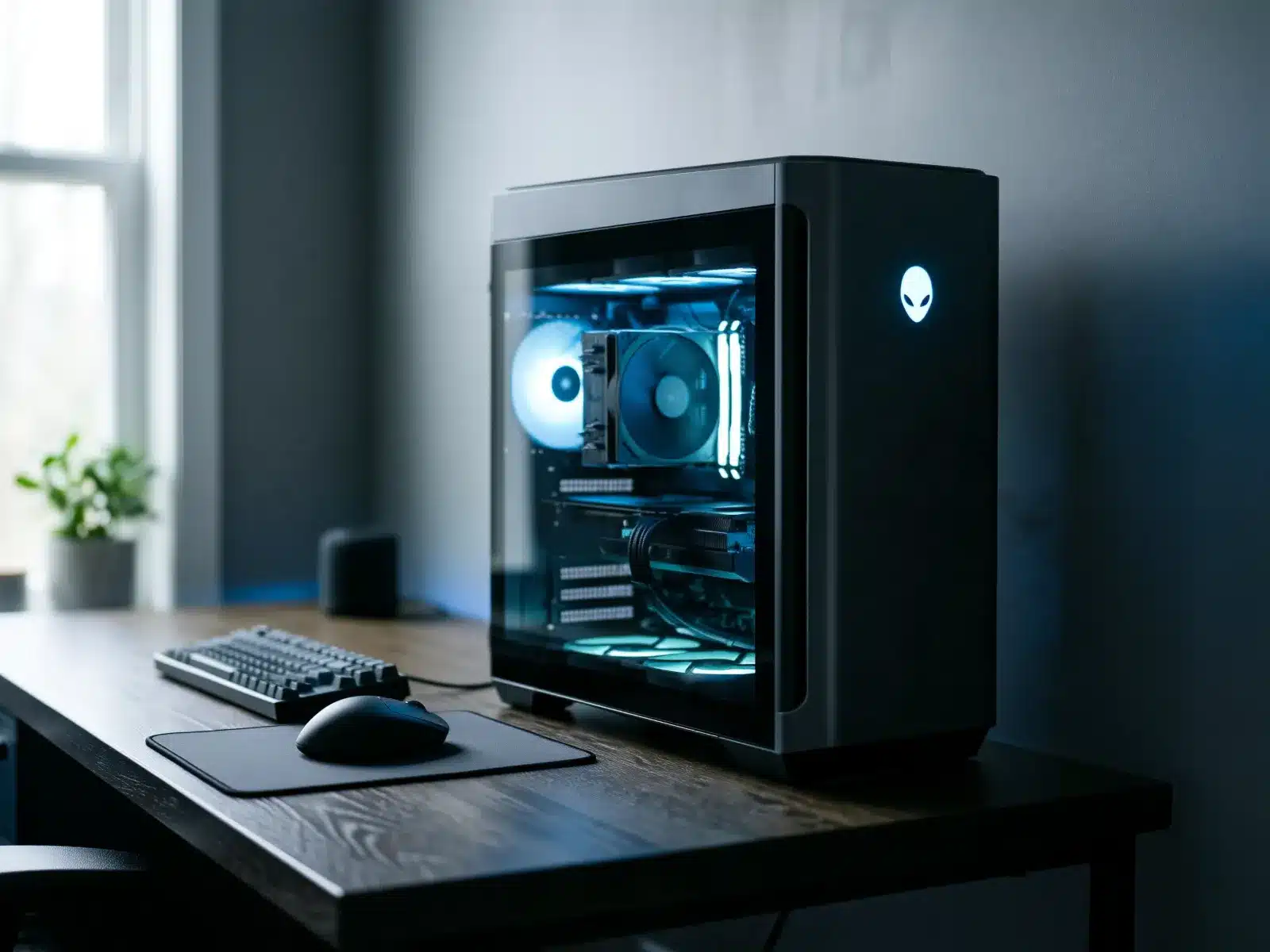
Which gaming PCs we consider
We review every donation case by case. Tell us what you have on the form, add a photo or two, and our team will let you know.
Specs
List the CPU, GPU and RAM on the form.
Upgraded parts
Welcome. Note anything you swapped.
Controllers
Mention them if they're coming along.
Gaming PC brands we see often
Alienware, CLX, CyberPowerPC, iBUYPOWER, HP OMEN, Lenovo Legion, ASUS ROG, MSI, Acer Predator, Corsair, NZXT, Origin PC, Maingear, Velocity Micro, Falcon Northwest, Digital Storm, Skytech, Xidax, Razer and custom builds, and many more.
Not on the list? It is here to help you find your gaming PC, not to limit what we consider. We review every make and model, listed or not, including small builders and brands that are no longer around. What matters is condition, never the name on the case, so enter yours on the form even if you don't see it here.
What to know about donating a gaming PC
Where gaming PCs end up
A gaming PC has the kind of power that video editing, 3D design, coding and esports clubs need. In a school club or youth program, one machine can be shared by many students.
Graphics cards, fast processors and plenty of memory also make gaming PCs useful for parts when other computers need repair.
What we look at during review
Tell us the processor, graphics card, memory, storage and power supply if you know them. A photo through the side panel helps us see the build.
Custom builds are welcome. If any parts are missing or you plan to keep a component, list what's inside.
Your data and accounts
Sign out of Steam, Epic, Battle.net, Xbox and other launchers, then reset Windows. We wipe every device with Acronis before reuse.
Value and your tax receipt
If you itemize, you may be able to deduct the fair market value of your gaming PC, which is what the same model in similar condition sells for used today. You determine the value; we can't appraise it. Giving Center sends a written acknowledgment describing what you donated.
Starting with the 2026 tax year, itemizers can deduct only giving above 0.5% of adjusted gross income, and items you deduct at more than $500 need Form 8283. Our tax guide covers the details. Ask your tax preparer what applies to you.
Condition: what we can use
Every donation is reviewed case by case. We can't promise acceptance before review.
Before you ship: sign out of launchers, reset
We wipe every device with Acronis before it's reused. Signing out of game launchers keeps your accounts and saved payment details safe.
-
1
Back up
Save your files, screenshots and any game saves not stored in the cloud.
-
2
Sign out of launchers
Sign out of Steam, Epic, Xbox and other launchers, and deauthorize the PC where they offer it.
-
3
Reset it
Settings, then System, then Recovery, then Reset this PC. Choose Remove everything and turn on Clean data.
-
4
Secure the GPU
Large graphics cards can crack the slot in shipping. Pad around it or remove it and pack it separately.
Done? Check before you box it
- Files and saves backed up
- Signed out of game launchers
- Reset with Remove everything
- Graphics card secured
Packing and shipping your gaming PC
Please send the form first and wait for our reply. We'll send the shipping address and instructions once we've reviewed it. We can only take items we've approved, so please don't ship anything before you hear from us.
Wait for our OK. We send the address and instructions after we review your form.
Pack it well. Use a large box with thick padding. Glass side panels should be removed or taped and padded.
Label what's inside with a note listing each item, so we can match it to your form.
Ship with tracking. Donors ship at their own cost. Shipping is sometimes reimbursed; ask when we review your donation.

Where your gaming PC goes
Donated gaming PCs often go to youth programs, school clubs and students studying design, video or programming.
Where your computer goesA note on taxes
If you itemize, you may be able to deduct the fair market value of your gaming PC: what a willing buyer would pay for it as it is today. You decide the value, and your tax preparer can tell you what applies to you. We don't appraise items and can't promise a deduction.
Gaming PC donation questions
Either is fine. If you leave it in, pad around it so it can't move.
Tell us on the form. Liquid cooling loops should be drained before shipping.
Yes. See computer parts donations.
Only bulk donations are picked up. Single PCs are shipped after approval.
Yes. List the main parts on the form.
Yes. Just note what's missing so we know.
After approval we'll send instructions. Remove the graphics card if it's heavy and pack it separately, or secure it with foam inside the case.
Tell us about your gaming PC
Fill out the form and our team will review it. Every donation is considered case by case.