
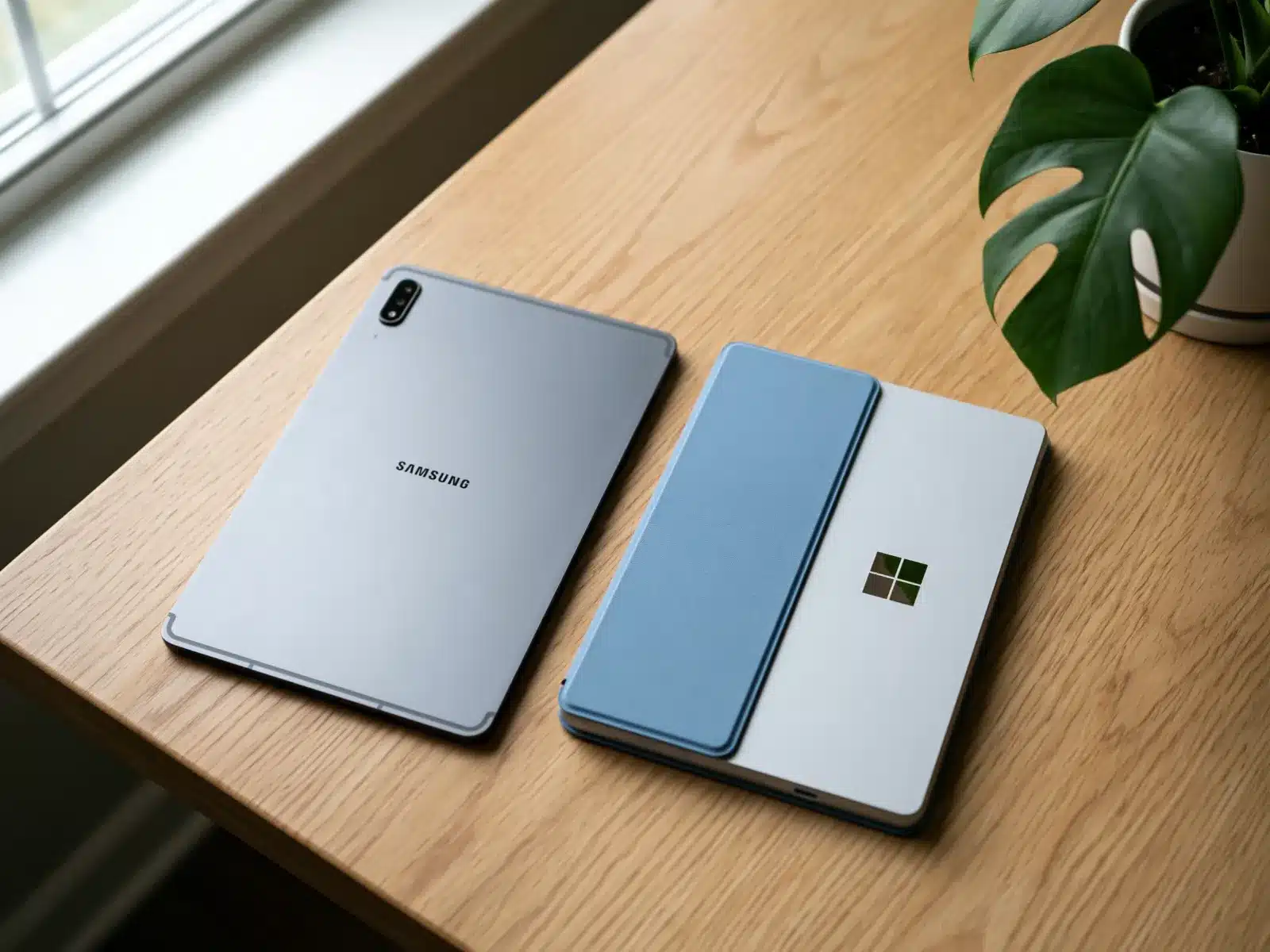
Which tablets we consider
We review every donation case by case. Tell us what you have on the form, add a photo or two, and our team will let you know.
Charger
Helpful if you have it, not required.
Keyboard covers
Mention them on the form.
SD card
Take it out before you ship.
Tablet brands we see often
Samsung Galaxy Tab, Microsoft Surface Pro, Microsoft Surface Go, Amazon Fire, Lenovo Tab, Google Pixel Tablet, OnePlus Pad, TCL, onn., Dell Latitude 2-in-1 and HP Elite x2, and many more.
Not on the list? It is here to help you find your tablet, not to limit what we consider. We review every make and model, listed or not, including small builders and brands that are no longer around. What matters is condition, never the name on the back, so enter yours on the form even if you don't see it here.
What to know about donating a tablet
Where tablets end up
A tablet is simple enough for a young reader, a senior on a video call, or someone who needs to fill out forms on the go. Android tablets, Microsoft Surface devices and Amazon Fire tablets all have a place.
Tablets with a keyboard, like Surface Pro and Surface Go, can work as a small laptop for students.
What we look at during review
The brand, model, storage and screen condition matter most. Tell us whether it has a keyboard, pen or case.
Make sure the tablet isn't locked to your account. Android tablets need the Google account removed before reset, and Fire tablets should be deregistered from your Amazon account.
Your data
Remove your accounts first, then factory reset. We wipe every device with Acronis before reuse.
Value and your tax receipt
If you itemize, you may be able to deduct the fair market value of your tablet, which is what the same model in similar condition sells for used today. You determine the value; we can't appraise it. Giving Center sends a written acknowledgment describing what you donated.
Starting with the 2026 tax year, itemizers can deduct only giving above 0.5% of adjusted gross income, and items you deduct at more than $500 need Form 8283. Our tax guide covers the details. Ask your tax preparer what applies to you.
Condition: what we can use
Every donation is reviewed case by case. We can't promise acceptance before review.
Before you ship: remove accounts and reset
We wipe every device with Acronis before it's reused. Removing your Google or Microsoft account first lets the next person get past setup.
-
1
Back up
Make sure photos and files are saved to your account or a computer.
-
2
Remove your account
On Android: Settings, then Accounts, then remove your Google account. On a Fire tablet, deregister it in Settings.
-
3
Factory reset
Android: Settings, then System, then Reset, then Erase all data. Surface: use Reset this PC with Remove everything.
-
4
Remove cards
Take out any SIM and SD cards.
Done? Check before you box it
- Photos and files backed up
- Google, Amazon or Microsoft account removed
- Factory reset
- SIM and SD cards removed
Packing and shipping your tablet
Please send the form first and wait for our reply. We'll send the shipping address and instructions once we've reviewed it. We can only take items we've approved, so please don't ship anything before you hear from us.
Wait for our OK. We send the address and instructions after we review your form.
Pack it well. Wrap the tablet in bubble wrap and pad a small box so the screen can't touch the sides.
Label what's inside with a note listing each item, so we can match it to your form.
Ship with tracking. Donors ship at their own cost. Shipping is sometimes reimbursed; ask when we review your donation.

Where your tablet goes
Donated tablets go to families, seniors, young students and programs that need a simple, portable device.
Where your computer goesA note on taxes
If you itemize, you may be able to deduct the fair market value of your tablet: what a willing buyer would pay for it as it is today. You decide the value, and your tax preparer can tell you what applies to you. We don't appraise items and can't promise a deduction.
Tablet donation questions
If you reset an Android tablet without removing your Google account first, it asks for that account at setup. Remove the account before resetting.
Yes, we consider them case by case. Deregister it from your Amazon account first.
Possibly. Add a photo to the form and we'll let you know.
We don't have a drop-off location. Tablets are shipped after your form is approved.
Settings, then My Account, then Deregister. You can also remove it from your Amazon account online.
Yes, including Surface Pro and Surface Go.
Yes, if you're not keeping it. A case helps protect the tablet for its next owner.
Tell us about your tablet
Fill out the form and our team will review it. Every donation is considered case by case.