
Which iPads we consider
We look at every iPad case by case: older models, ones with a cracked screen, and ones that won't turn on. Tell us what you have on the form, add a photo or two, and our team will let you know.
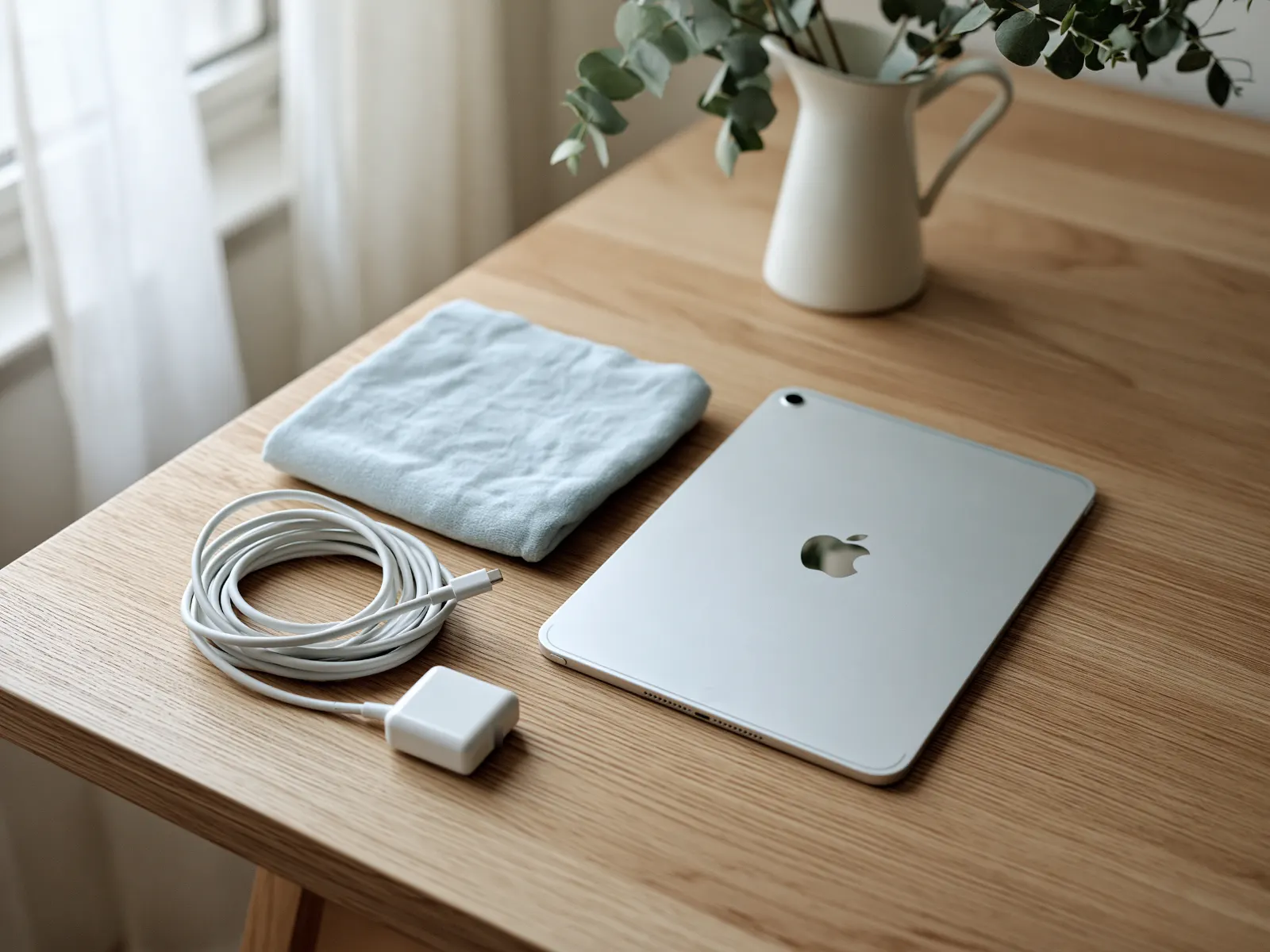
Charger and cable
Helpful if you have them, not required.
Keyboards and Pencils
Mention them on the form if they're coming along.
Cellular models
Welcome. Take out your SIM card first.
iPad models we see often
iPad (every generation, from the original to the latest), iPad mini, iPad Air, iPad Pro 9.7-inch, 10.5-inch, 11-inch, 12.9-inch and 13-inch, Wi-Fi and cellular models, plus Apple Pencil, Magic Keyboard and Smart Keyboard accessories, and many more.
Not on the list? It is here to help you find your iPad, not to limit what we consider. We review every model, listed or not, including older generations Apple no longer updates. What matters is condition and that Activation Lock is off, never the model number, so enter yours on the form even if you don't see it here. To find the model, open Settings, then General, then About.
Before you ship: unlock it, sign out, erase it
We wipe every device with Acronis before it's reused. These steps protect your information and, just as important, release the iPad from your account so someone else can set it up.
A locked iPad can't be reused. If Activation Lock is still on, the next person can't get past the setup screen, even after it's erased.
-
1
Back up
Settings, then your name, then iCloud, then iCloud Backup, and tap Back Up Now. Or back up to a computer.
-
2
Turn off Find My
Settings, then your name, then Find My, then Find My iPad. Turn it off and enter your Apple Account password. This turns off Activation Lock.
-
3
Sign out
Settings, then your name, then Sign Out at the bottom. Enter your password when asked.
-
4
Erase it
Settings, then General, then Transfer or Reset iPad, then Erase All Content and Settings.
-
5
Take out the SIM
Cellular models only. When the iPad shows the Hello screen, it's ready.

Done? Check before you box it
- Backed up, or nothing you need is on it
- Find My iPad is off
- Signed out of your Apple Account
- Erased: it shows the Hello screen
- SIM card removed (cellular models)
Packing and shipping your iPad
Please send the form first and wait for our reply. We'll send the shipping address and instructions once we've reviewed it. We can only take items we've approved, so please don't ship anything before you hear from us.
Wait for our OK. We send the address and instructions after we review your form.
Protect the screen. Use the original box, or a sturdy box with padding on every side so the glass doesn't touch the walls.
Add the charger and cable if you have them, wrapped separately.
Ship with tracking. Donors ship at their own cost. Shipping is sometimes reimbursed; ask when we review your donation.


Where your iPad goes
Donated iPads are refurbished and given to people and organizations who need them: students, job seekers, seniors, veterans, families, schools and nonprofits. An iPad is often the easiest first device for someone who has never used a computer.
Where your computer goesA note on taxes
If you itemize, you may be able to deduct your iPad's fair market value: what a willing buyer would pay for it as it is today. You decide the value, and your tax preparer can tell you what applies to you. We don't appraise items and can't promise a deduction.
iPad donation questions
A locked iPad can't be reused. If it belonged to a family member, they can usually remove it from their account by signing in at iCloud.com, even from another device. Our Activation Lock guide explains the options, including what to do for a family member who has passed away.
Possibly. We consider every iPad case by case. Mention the problem on the form and add a photo, and our team will let you know.
Yes, you may be able to. You can erase an iPad without the passcode by putting it in recovery mode on a computer, but you'll still need the Apple Account password to turn off Activation Lock. Our forgotten password guide walks you through it.
It helps if you have it, but it isn't required. Wrap it separately so it doesn't scratch the screen.
We don't have a drop-off location. Single devices are shipped after we approve your form. Schools and offices with many iPads can ask about bulk pickup, which is available in every state.
Tell us about your iPad
Fill out the form and our team will review it. Every donation is considered case by case.