
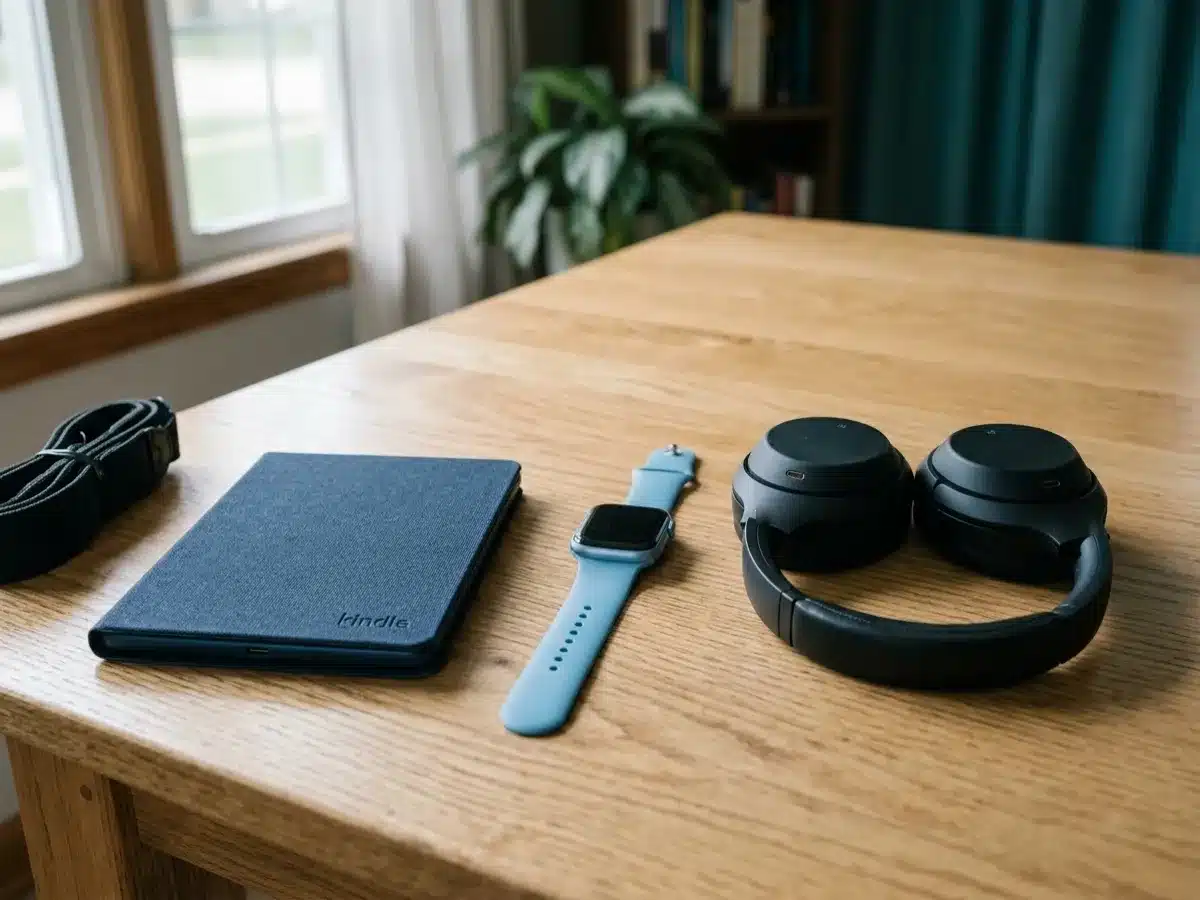
Which devices we consider
We review every donation case by case. Tell us what you have on the form, add a photo or two, and our team will let you know.
Accounts
Remove the device from your account.
Chargers
Include them if you have them.
Mixed items
List them on one form.
Gadget brands we see often
Amazon Kindle, Kobo, Apple Watch, Garmin, Fitbit, Samsung Galaxy Watch, Bose, Sonos, Sony, JBL, Beats, Roku, Apple TV, Google Nest, Amazon Echo and Ring, and many more.
Not on the list? It is here to help you find your gadget, not to limit what we consider. We review every make and model, listed or not, including small builders and brands that are no longer around. What matters is condition, never the name on it, so enter yours on the form even if you don't see it here.
What to know about donating a device
Gadgets that still help
E-readers, smartwatches, headphones, speakers, streaming devices and smart home gear can still help someone, or help us repair other devices.
We review each item case by case, so tell us what you have.
What we look at during review
Tell us the brand, model and whether it works. Photos help.
Sign out of any account the device uses before you reset it.
Your accounts
Deregister Kindles, unpair smartwatches, and remove smart home devices from their apps before you reset them.
Value and your tax receipt
If you itemize, you may be able to deduct the fair market value of your device, which is what the same model in similar condition sells for used today. You determine the value; we can't appraise it. Giving Center sends a written acknowledgment describing what you donated.
Starting with the 2026 tax year, itemizers can deduct only giving above 0.5% of adjusted gross income, and items you deduct at more than $500 need Form 8283. Our tax guide covers the details. Ask your tax preparer what applies to you.
Condition: what we can use
Every donation is reviewed case by case. We can't promise acceptance before review.
Before you ship: remove accounts and reset
Most gadgets link to an account. Removing it and resetting the device lets someone else use it.
-
1
Remove from your account
Unpair or deregister the device in its app or account page.
-
2
Factory reset
Use the device settings to restore factory settings.
-
3
Bag accessories
Keep each charger with its device.
-
4
List the items
A short list on the form is enough.
Done? Check before you box it
- Removed from your account
- Factory reset
- Chargers bagged with each item
- Items listed on the form
Packing and shipping your device
Please send the form first and wait for our reply. We'll send the shipping address and instructions once we've reviewed it. We can only take items we've approved, so please don't ship anything before you hear from us.
Wait for our OK. We send the address and instructions after we review your form.
Pack it well. Wrap each item and pad a small box so nothing rattles.
Label what's inside with a note listing each item, so we can match it to your form.
Ship with tracking. Donors ship at their own cost. Shipping is sometimes reimbursed; ask when we review your donation.

Where your device goes
Donated gadgets go to families, seniors and programs where they fill a real need.
Where your computer goesA note on taxes
If you itemize, you may be able to deduct the fair market value of your device: what a willing buyer would pay for it as it is today. You decide the value, and your tax preparer can tell you what applies to you. We don't appraise items and can't promise a deduction.
Device donation questions
Some, case by case. Remove them from your account first.
No. We focus on technology and electronics.
Please don't ship loose batteries.
Yes. List the items on the form.
Yes. Unpair them from your phone first.
Remove them from their app and reset them.
List them on the form and we'll review.
Tell us about your device
Fill out the form and our team will review it. Every donation is considered case by case.